Morse Code Image Translator
Upload a photo with dots and dashes, and I’ll help you turn it into readable text in seconds.
If you’ve ever stared at a blurry screenshot of Morse code, an old scanned telegram, or a puzzle clue and thought, “I know this means something… but I don’t have time to decode it,” this page is for you.
I built this Morse code image translator to do one job really well: take Morse code from an image and convert it into plain text quickly and accurately.
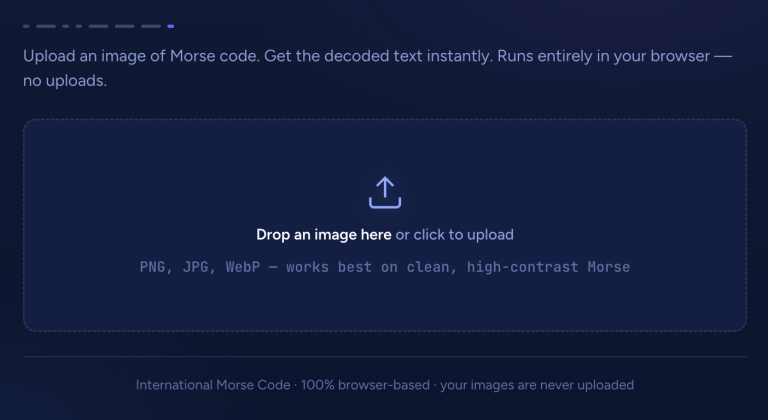
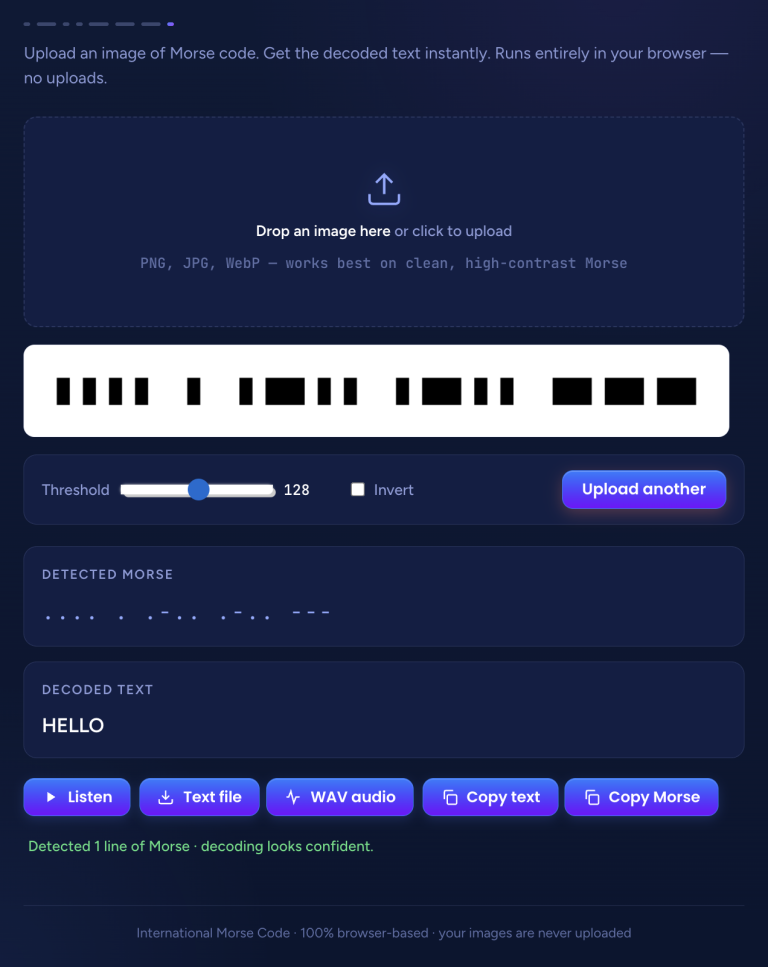
Upload an image of Morse code. Get the decoded text instantly. Runs entirely in your browser — no uploads.
Instant Morse Code Image Conversions
This Morse Code Image Translator tool is designed to be simple, fast, and completely user-friendly. Just upload your image, and it instantly converts it into Morse code. You can then download the output in multiple formats, including TXT and WAV, depending on how you want to use it.
Best of all, everything runs directly in your browser—no uploads are stored, and your data remains completely private.
1. Upload image
2. Instant Translation
As soon as you upload an image, the tool instantly converts it and shows the results right away.
3. Download & Listen
Once your image is uploaded, you can copy, download, listen to, and replay the results as many times as you like.
How To Use Morse Code Image Translator
1. Convert Image to Morse Code
All you need to do is upload an image using the widget above, and it will instantly convert the image into Morse code. You can repeat the process as many times as you like.
2. Download & Listen
Once your image is converted, you’ll see both the detected Morse code and the decoded text. From there, you can listen to it, download it, or copy the text instantly.
Features of This Photo Morse Code Translator
I created this tool around real-world images, not perfect textbook diagrams.
Here’s what you get.
- Multiple image format support Upload PNG, JPG, JPEG, GIF, BMP, and other common formats.
- Fast, instant processing Results typically appear in seconds for most images.
- High-accuracy detection It detects dots, dashes, and spacing patterns, even when images are not perfectly clean.
- Free to use No payment, no trials, no hidden limits.
- Works on all devices Use it on mobile, tablet, or desktop in a standard browser.
- Privacy-first workflow No signup required. Your upload is only used to decode your result.
Supported Image Types (What You Can Upload)
This decoder works with a wide range of image sources.
Here are the most common sources and how well they perform.
| Source | Examples | Performance |
|---|---|---|
| Screenshots | Phone or computer screenshots | Excellent |
| Photos | Camera pictures of Morse code | Very good |
| Scanned documents | Old telegrams, printed archives | Very good |
| Digital images | Downloaded images, saved files | Excellent |
| Handwritten notes | Personal notes with dots and dashes | Good |
| Book pages | Textbook examples, printed references | Very good |
Who Uses a Morse Code Translator From a Picture?
This tool is designed for many different types of users, such as:
- Students and learners Upload practice sheets to check answers and learn faster.
- History enthusiasts Decode telegrams, wartime notes, archive scans, museum documents.
- Puzzle solvers Solve escape room clues, ARG puzzles, and game riddles instantly.
- Radio hobbyists Decode training materials and reference images used in amateur radio contexts.
- Researchers and archivists Convert scanned communications into searchable text for preservation and indexing.
- Curious minds Translate random Morse images found online without manual decoding.
Quick Examples: Translate Morse Code Picture to English
| Label | Morse | Result |
|---|---|---|
| Simple word | …. . .-.. .-.. — | HELLO |
| Emergency signal | … — … | SOS |
| Common phrase | – …. .- -. -.- / -.– — ..- | THANK YOU |
Note: Many images use “/” as a visible word separator. In classic Morse timing, word gaps are spacing-based, not a slash, but both are common in puzzles and printed references.
Tips for Better Morse Code Image-to-Text Results
If you want the cleanest possible decode, these tweaks help a lot.
Image quality tips
| Do this |
Avoid this |
|---|---|
| Use a sharp, focused image | Blurry, shaky photos |
| Use good lighting | Dark shadows or glare |
| Upload higher resolution when possible | Tiny images where dots merge |
| Crop to the Morse area | Extra UI, borders, or backgrounds |
Format tips
| Do this |
Avoid this |
|---|---|
| PNG (very clear edges) | Heavily compressed JPG |
| Clean JPG (good quality) | Very low quality images |
| Screenshots | Corrupted or partially downloaded files |
Content tips
| Do this |
Avoid this |
|---|---|
| Plain background | Busy, colorful background |
| Clear dots and dashes | Decorative marks that aren’t consistent |
| Good spacing | Overlapping characters |
| High contrast | Low contrast colors |
Common Problems and Fixes (Troubleshooting)
Image not uploading Possible fixes:
- Make sure the file is PNG/JPG/JPEG, try PNG if unsure.
- Reduce file size if it’s very large.
- Try a different browser.
- Refresh and upload again.
Wrong text output Possible fixes:
- Upload a clearer image or take a new photo.
- Increase contrast before uploading.
- Crop tightly around the code
- Confirm the source image is actually valid Morse (puzzles sometimes use lookalikes)
Partial detection (only some characters decode) Possible fixes:
- Improve lighting and reduce glare.
- Crop to remove noise around the code
- Make sure dots aren’t being read as dust or texture.
- Use a higher resolution image.
No results showing Possible fixes:
- Confirm the image truly contains dots and dashes (not stylized icons)
- Try a different format (PNG instead of JPG)
- Ensure dots and dashes are distinct and not merged.
Slow processing Possible fixes:
- Reduce image size (very large photos can take longer)
- Check your internet connection.
- Crop before scanning (smaller area scans faster)
Morse Code Image Decoder vs Manual Decoding
Manual decoding is a great skill. But when you need an answer quickly (or your image is messy), automation saves time.
| Image Decoder | Manual Decoding | |
|---|---|---|
| Speed | Seconds | Minutes to hours |
| Accuracy | High with clear images | Depends on your experience |
| Effort required | Very low | High |
| Knowledge needed | None | You must know Morse |
| Best for | Quick, reliable results | Learning and practice |
| Long messages | Easy | Time-consuming |
| Cost | Free | Free, but costs time |
My recommendation: use the tool for decoding, and practice manually when your goal is learning Morse fluency.
You can also type or paste Morse manually using our Morse Code Translator.
Updated Morse Code Timing Reference
International Morse is based on timing units:
| Element | Units |
|---|---|
| Dot | 1 |
| Dash | 3 |
| Gap between dots/dashes in a letter | 1 |
| Gap between letters | 3 |
| Gap between words | 7 |
This matters because many images represent spacing visually. If spacing is inconsistent in the image, results can vary. Cropping and contrast usually help.
Morse Code Chart (Letters and Numbers)
If you like verifying the translation yourself, here’s a quick reference.
Letters A to Z
| Letter | Morse | Letter | Morse |
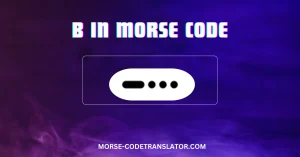
|---|---|---|---|
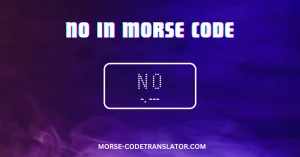
| A | .- | N | -. |
| B | -… | O | — |
| C | -.-. | P | .–. |
| D | -.. | Q | –.- |
| E | . | R | .-. |
| F | ..-. | S | … |
| G | –. | T | – |
| H | …. | U | ..- |
| I | .. | V | …- |
| J | .— | W | .– |
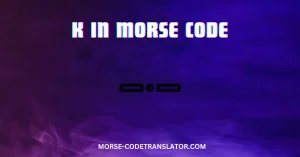
| K | -.- | X | -..- |
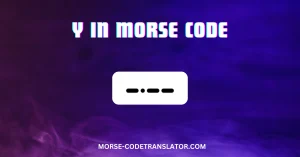
| L | .-.. | Y | -.– |
| M | — | Z | –.. |
Numbers 0 to 9
| Number | Morse | Number | Morse |
|---|---|---|---|
| 0 | —– | 5 | ….. |
| 1 | .—- | 6 | -…. |
| 2 | ..— | 7 | –… |
| 3 | …– | 8 | —.. |
| 4 | ….- | 9 | —-. |
Frequently Asked Questions
What is a Morse code image translator?
The Morse code image translator reads Morse code from a picture. You upload an image that contains dots and dashes, and it scans and converts it into readable text without requiring you to decode the content yourself.
How do I translate Morse code from a picture?
Upload the image and you’ll get the detected Morse plus the translated text. Copy or download the result.
What image formats work with this Morse code picture translator?
PNG, JPG, and JPEG are the most common and usually work best. It also supports GIF and BMP.
Is this Morse code decoder from an image free to use?
Yes. The decoder is designed to be usable without creating an account or paying.
Can I convert an image to Morse code using this tool?
This page is for decoding Morse from an image into text. If you want the reverse (text to Morse, or generating a Morse image), use a standard Morse code translator tool that supports encoding.